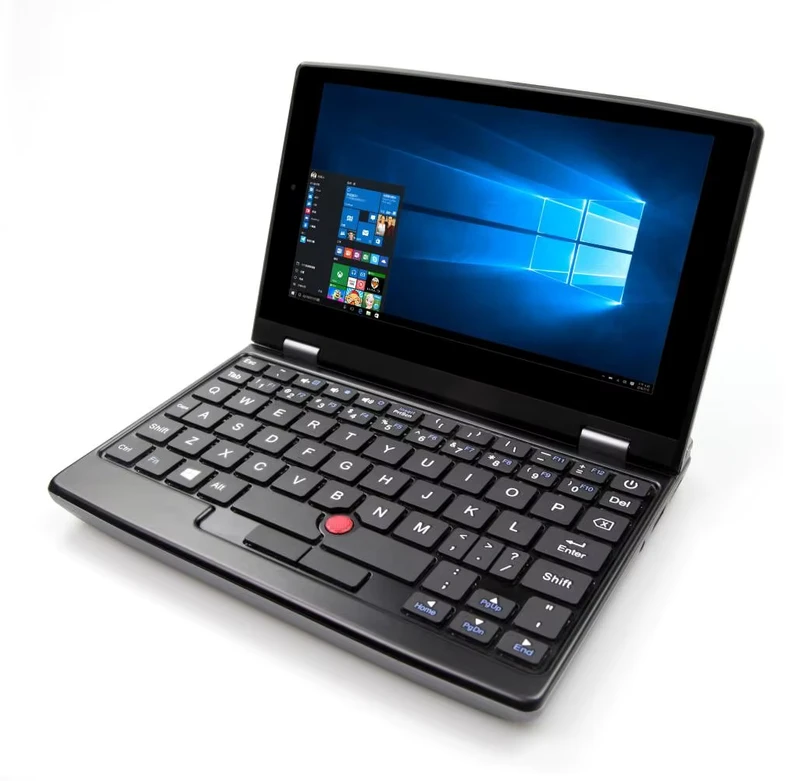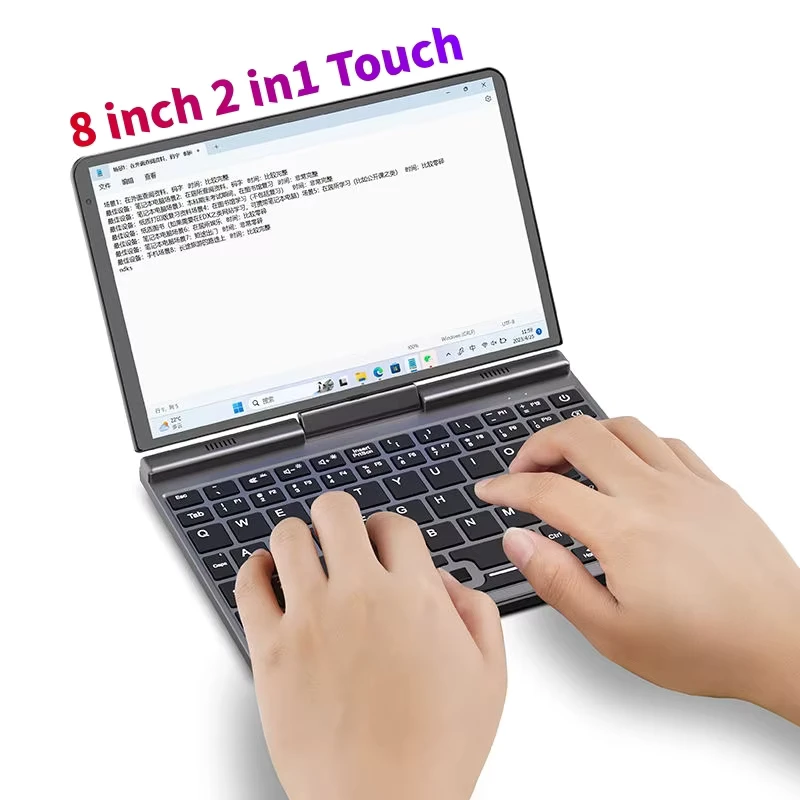

Compare three education laptop options by deployment role, then verify configuration, software, packaging, and support before bulk ordering.
Education laptop procurement works best when buyers begin with the deployment environment rather than a long specification sheet. Importers, distributors, and project contractors may need compact devices for younger learners, capable notebooks for teachers, and economical large-screen computers for labs. A balanced range can address these roles without forcing one configuration into every classroom.
Match the Device to the Daily Workload
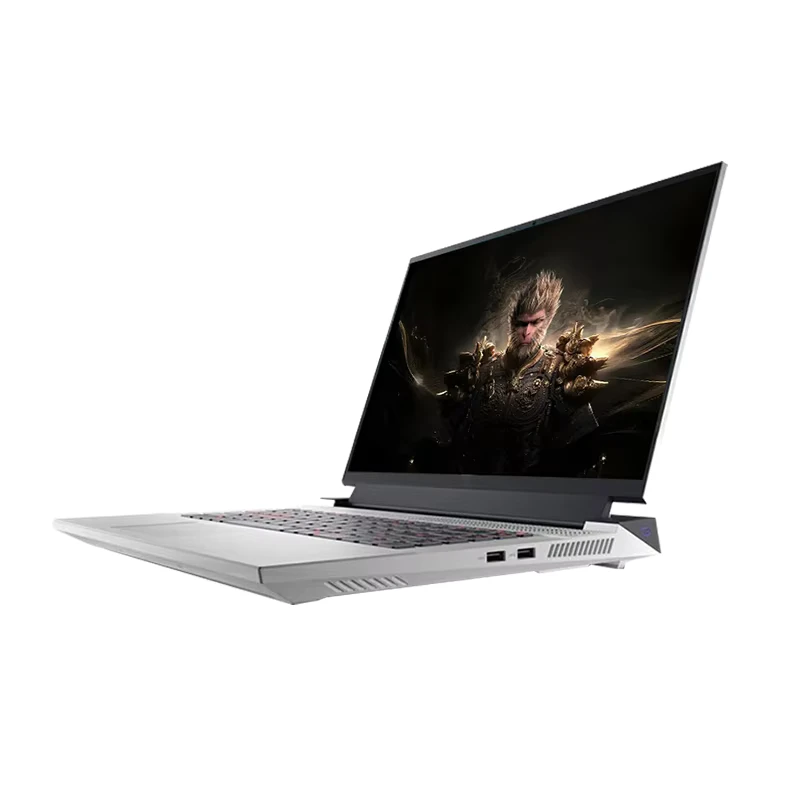
For demanding study and administrative tasks, the i5 education notebook combines an Intel Core i5-1340P processor, 16GB DDR5 memory, and a 512GB SSD. Windows 11 Education, WiFi 802.11ax, USB Type-C connectivity, and an IPS display make it relevant for multitasking, presentations, content preparation, and institutional deployment.
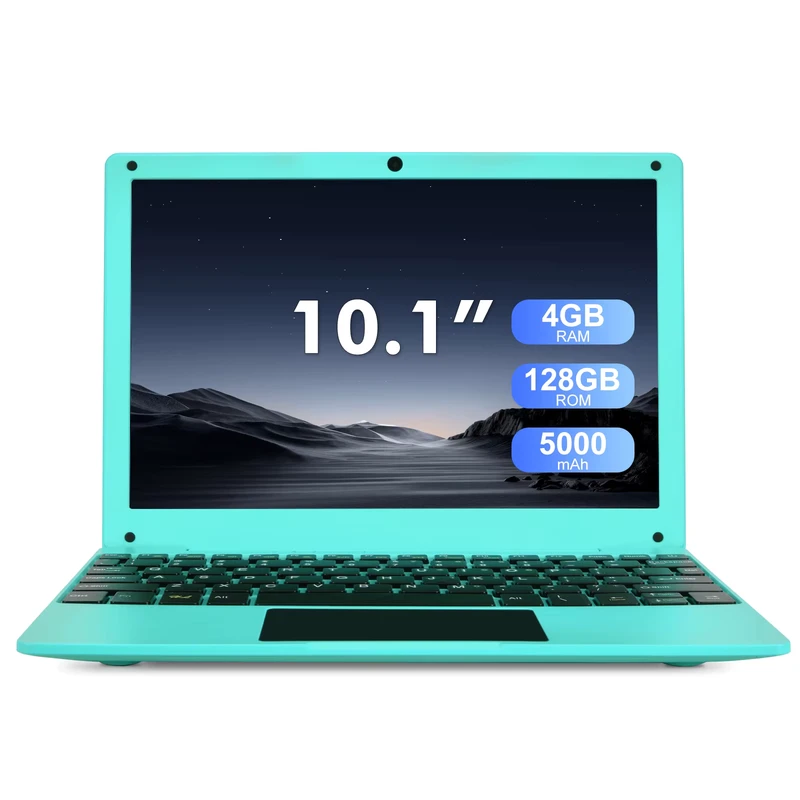
Where portability and straightforward app access matter more, the 10-inch Android notebook offers Android 13, an octa-core ARM processor, 4GB RAM, and 128GB eMMC storage. Its compact plastic body and 1280 × 800 IPS panel suit home learning, introductory digital education, and mobile classroom programs.
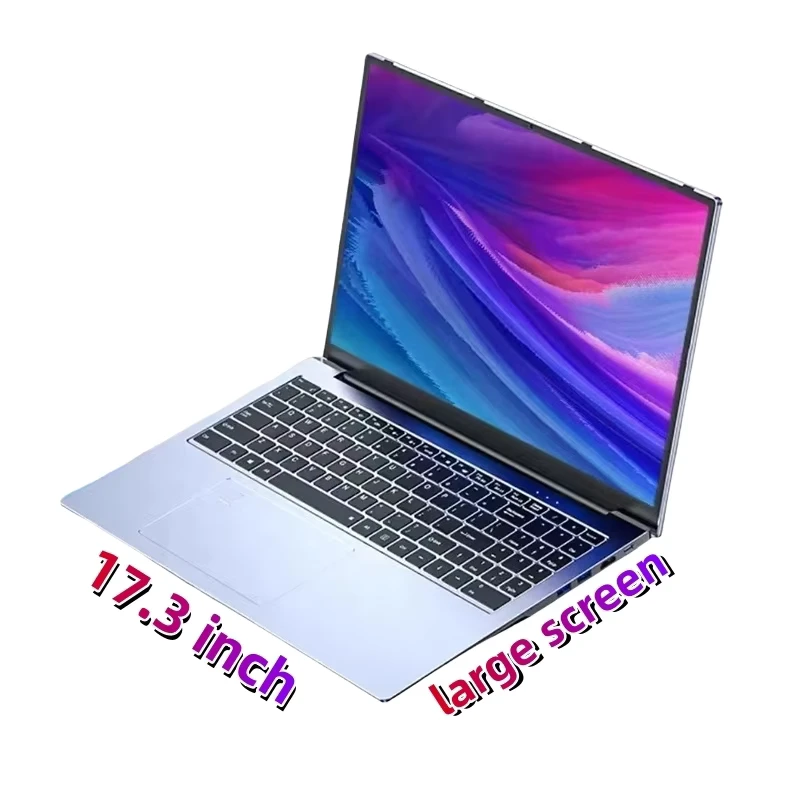
Budget-led projects may prefer the N5095 Windows laptop. Its quad-core Intel Celeron processor, integrated graphics, SSD support, metal body, and multiple USB ports provide a practical foundation for web applications, office work, training rooms, and general student computing.
Confirm the Order-Ready Configuration
Before requesting a quotation, buyers should confirm screen dimensions, operating system licensing, memory and storage options, plug type, keyboard layout, packaging, warranty terms, and after-sales arrangements. These details can influence regional compliance and landed cost as much as processor choice. Explore more student laptop options, then share your target market, quantity, and preferred configuration to begin a focused sourcing discussion.